Introduction
Have you ever visited a website and instantly thought:
"This company looks professional."
Or the opposite:
"I'm not sure I trust this business."
The difference often comes down to website design.
In today's digital world, your website is often the first interaction potential customers have with your business. Before they call you, request a quote, or make a purchase, they form an opinion based on what they see online.
A professional website isn't just about looking modern or using attractive colors. It combines design, functionality, user experience, and strategy to create a website that builds trust and encourages visitors to take action.
So, what exactly makes a website design professional?
Let's explore the most important elements.
Why Professional Website Design Matters
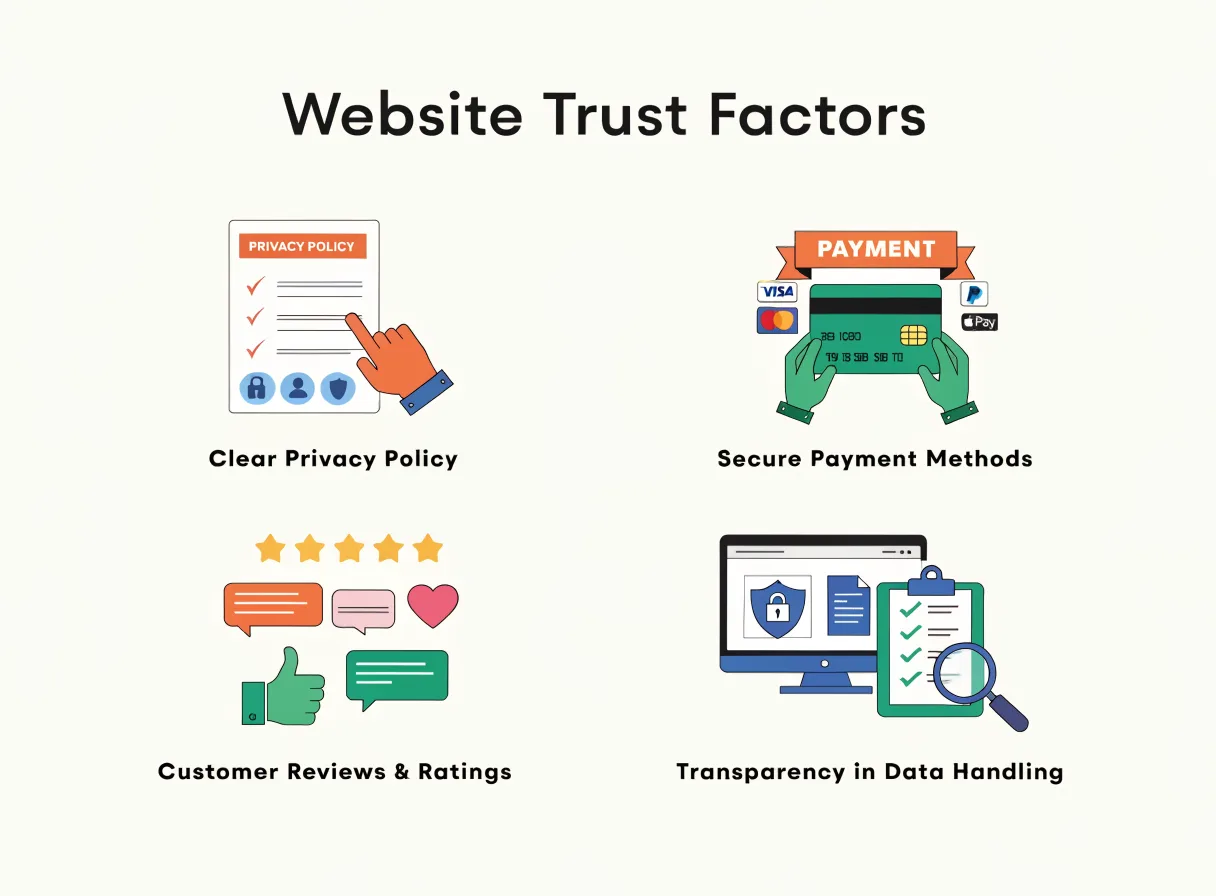
Your website works as your digital storefront.
Unlike a physical office or shop, it's available 24 hours a day, seven days a week.
A professional website helps:
- Build trust
- Generate leads
- Improve SEO performance
- Increase conversions
- Strengthen brand awareness
- Differentiate you from competitors
A poorly designed website can have the opposite effect.
1. Clean and Modern Design
One of the first signs of a professional website is a clean visual appearance.
Professional websites avoid:
- Cluttered layouts
- Excessive animations
- Too many colors
- Distracting elements
Instead, they focus on:
- Simplicity
- Readability
- Consistency
- Clear messaging
Modern design helps visitors focus on what matters most.
2. Mobile-Friendly Experience
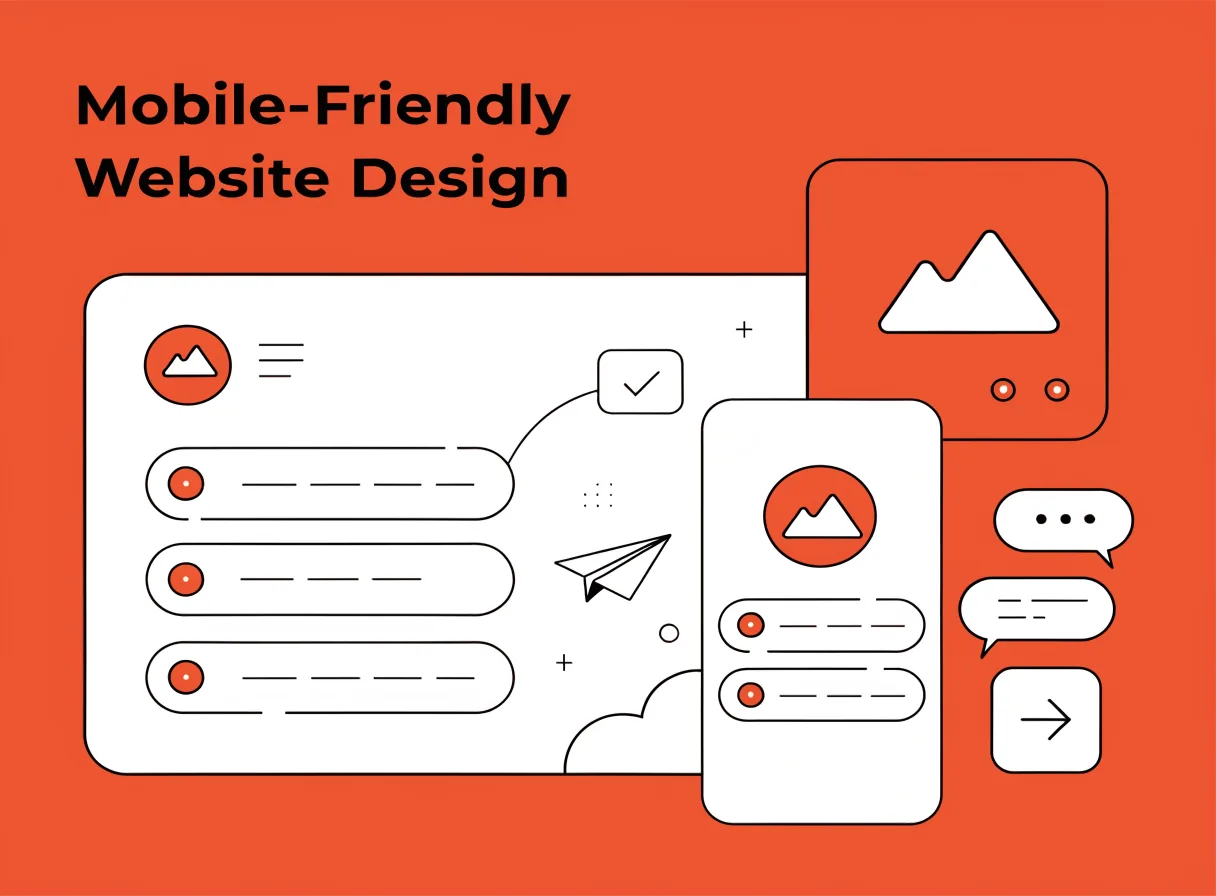
More than half of website traffic now comes from mobile devices.
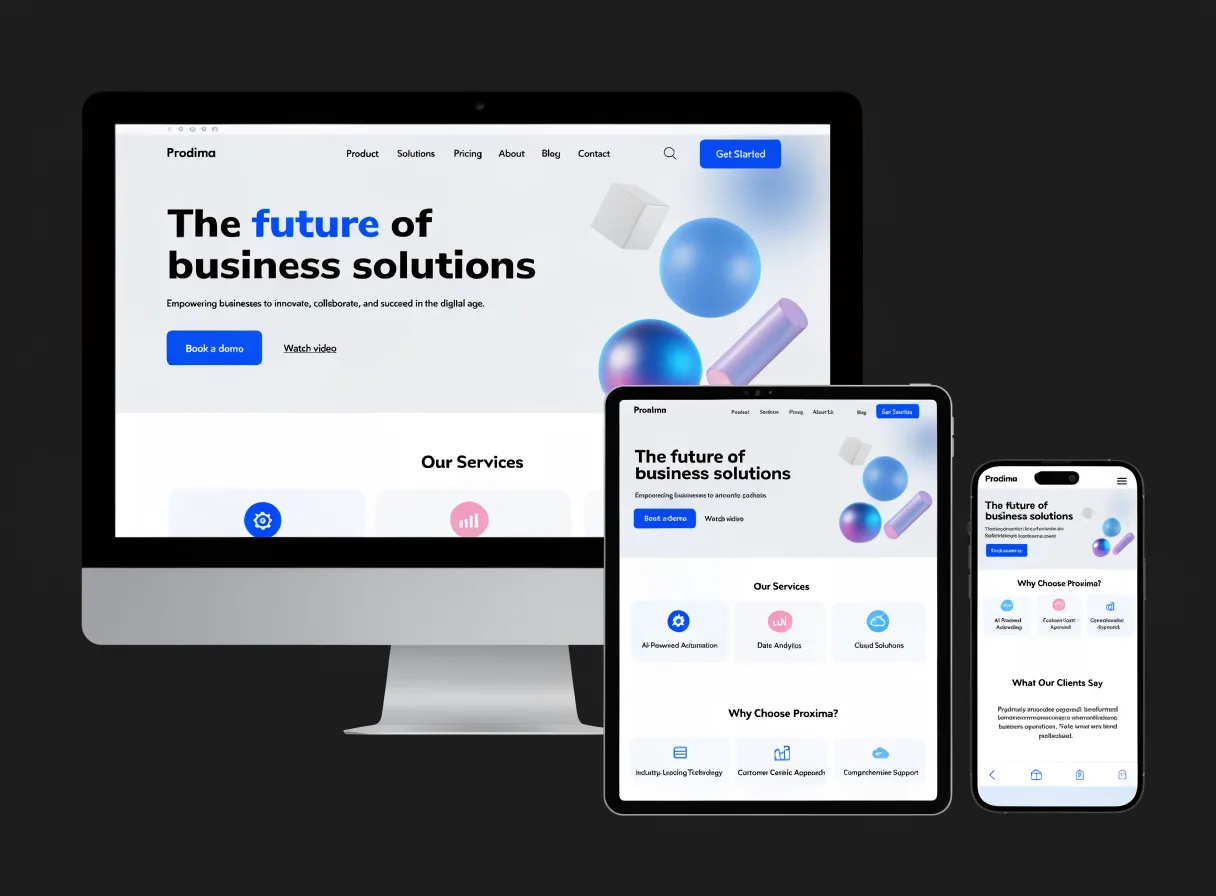
A professional website should work perfectly on:
- Smartphones
- Tablets
- Laptops
- Desktop computers
Visitors should never need to zoom in or struggle to navigate.
Google also prioritizes mobile-friendly websites when determining rankings.
3. Fast Loading Speed
Nobody likes waiting for a website to load.
Studies consistently show that slow websites lose visitors.
Professional websites are optimized through:
- Compressed images
- Efficient coding
- Reliable hosting
- Modern technologies
A fast website improves both user experience and search engine visibility.
4. Clear Navigation
Users should instantly understand how to move through your website.
Professional navigation is:
- Simple
- Logical
- Easy to find
Typical navigation menus include:
- Home
- About Us
- Services
- Portfolio
- Blog
- Contact
The easier it is to find information, the more likely visitors are to stay.
5. Strong Branding
Professional websites reflect the company's identity consistently.
This includes:
Logo
Clearly visible and professionally designed.
Colors
Consistent throughout the website.
Typography
Easy-to-read fonts that match the brand personality.
Messaging
A consistent tone of voice across all pages.
Strong branding helps customers remember your business.
6. Professional Images and Visual Content
Images play a significant role in how visitors perceive your business.
Professional websites use:
- High-quality photography
- Custom graphics
- Professional team photos
- Relevant visuals
Poor-quality stock photos can damage credibility.
Authentic images often perform better because they build trust.
7. Easy-to-Understand Content
Professional websites communicate clearly.
Visitors should immediately understand:
- Who you are
- What you do
- Who you help
- How to contact you
Avoid:
- Technical jargon
- Long paragraphs
- Complicated explanations
Simple communication creates better user experiences.
8. Clear Calls-to-Action (CTAs)
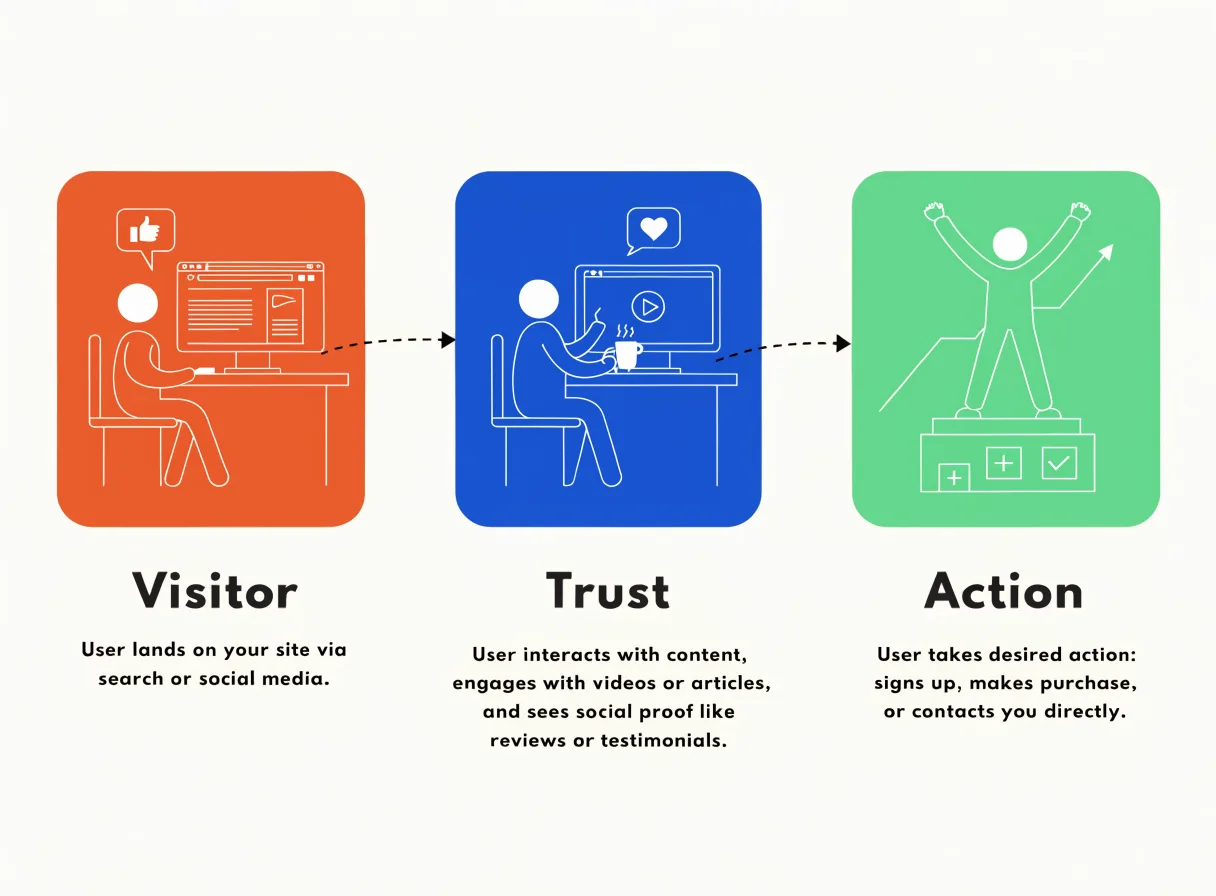
Every professional website should guide visitors toward the next step.
Examples include:
- Request a Quote
- Schedule a Consultation
- Contact Us
- Book a Call
- Get Started
Without clear calls-to-action, visitors may leave without taking action.
9. SEO-Friendly Structure
Professional websites are built with SEO in mind from the beginning.
Important SEO elements include:
- Optimized page titles
- Meta descriptions
- Search-friendly URLs
- Internal linking
- Proper heading structure
Good SEO helps customers find your business through search engines.
10. Trust Signals
Visitors want reassurance that your business is legitimate.
Professional websites often include:
Customer Reviews
Real testimonials build credibility.
Projects
Show proof of results.
Certifications
Industry certifications increase confidence.
Contact Information
Visible phone numbers, emails, and business addresses.
Trust signals can significantly improve conversion rates.
11. Security and Reliability
Website security is no longer optional.
Professional websites include:
- SSL certificates
- Secure forms
- Regular updates
- Security monitoring
Visitors are far more likely to trust a secure website.
Google also favors secure websites in search results.
12. Conversion-Focused Design
The best websites are designed to achieve business goals.
Whether the goal is:
- Generating leads
- Selling products
- Booking appointments
- Building an email list
every design decision should support that objective.
Professional design isn't just about appearance.
It's about results.
Common Signs of an Unprofessional Website
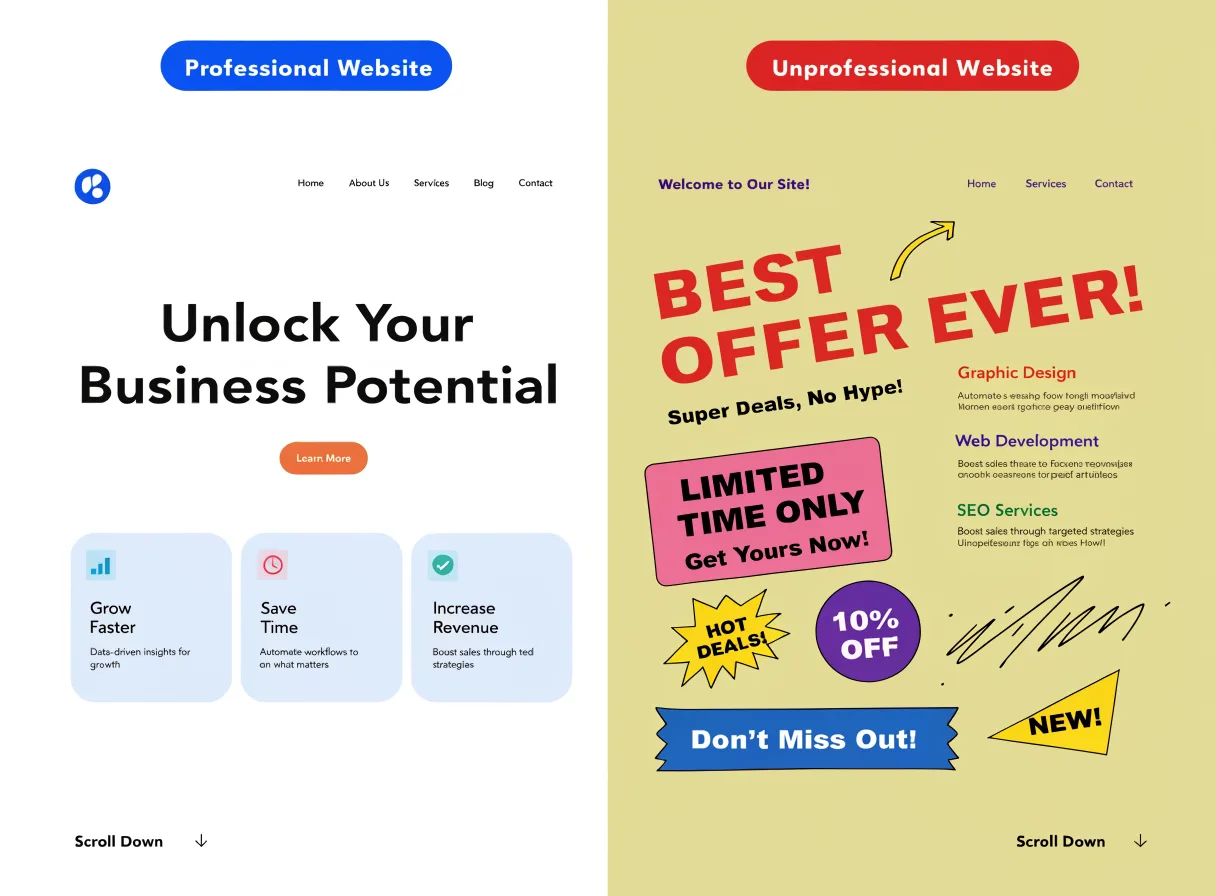
If your website has any of the following issues, it may be hurting your business:
- Outdated design
- Slow loading times
- Broken links
- Poor mobile experience
- Generic content
- Low-quality images
- Confusing navigation
- Missing contact information
These issues can drive potential customers away.
Professional Website vs Amateur Website
| Professional Website | Amateur Website |
|---|---|
| Fast loading | Slow performance |
| Mobile-friendly | Poor mobile experience |
| Strong branding | Inconsistent branding |
| SEO optimized | Little SEO consideration |
| Clear navigation | Confusing menus |
| High-quality visuals | Poor-quality images |
| Conversion-focused | No clear objectives |
| Trust-building | Limited credibility |
How Professional Design Impacts SEO
Many business owners don't realize that design and SEO work together.
Google rewards websites that provide:
- Excellent user experiences
- Fast performance
- Mobile responsiveness
- Helpful content
A professional website creates the foundation for successful SEO campaigns.
Without that foundation, ranking becomes much more difficult.
The Business Impact of Professional Website Design
A professionally designed website can help businesses:
- Increase inquiries
- Improve conversion rates
- Strengthen credibility
- Attract higher-quality leads
- Improve search rankings
- Increase revenue
It's one of the few marketing investments that can continue delivering value for years.
Frequently Asked Questions
1. What makes a website look professional?
Clean design, strong branding, mobile responsiveness, fast loading speeds, and clear navigation all contribute to a professional appearance.
2. Does website design affect SEO?
Yes. User experience, mobile optimization, speed, and structure all influence search rankings.
3. How often should a website be redesigned?
Most businesses should review their website every 3–5 years.
4. Can professional web design increase sales?
Absolutely. Better design often improves trust, engagement, and conversion rates.
5. What is the biggest mistake in website design?
Prioritizing appearance over user experience and business goals.
6. Do small businesses need professional websites?
Yes. Professional design helps small businesses compete effectively and build credibility.
7. Is WordPress suitable for professional websites?
Yes. WordPress powers many successful professional websites worldwide.
8. How much should I invest in professional web design?
The right budget depends on your business goals, but quality design should be viewed as a long-term investment rather than an expense.
Conclusion
A professional website is much more than an attractive online presence.
It is a strategic business tool that helps build trust, improve visibility, generate leads, and support growth.
The most successful websites combine:
- Great design
- Excellent user experience
- Strong branding
- SEO best practices
- Clear business objectives
In 2026, businesses that invest in professional website design gain a significant advantage over competitors who treat their websites as an afterthought.